Let people in at the door
Scan tickets at the door of an event or a class paid per visit. What each answer means, letting in someone who hasn't paid, and how the door and the register fit together.
For owners, managers and teachers
Every ticket has a square code. At the door you scan it, Dansly says whether it's good, and you let them in with one tap.
Where: open the evening from Tonight or Schedule → Door. The button is there on events and on classes paid per visit.
Who: anyone on your team can work the door. It doesn't have to be whoever runs the evening.
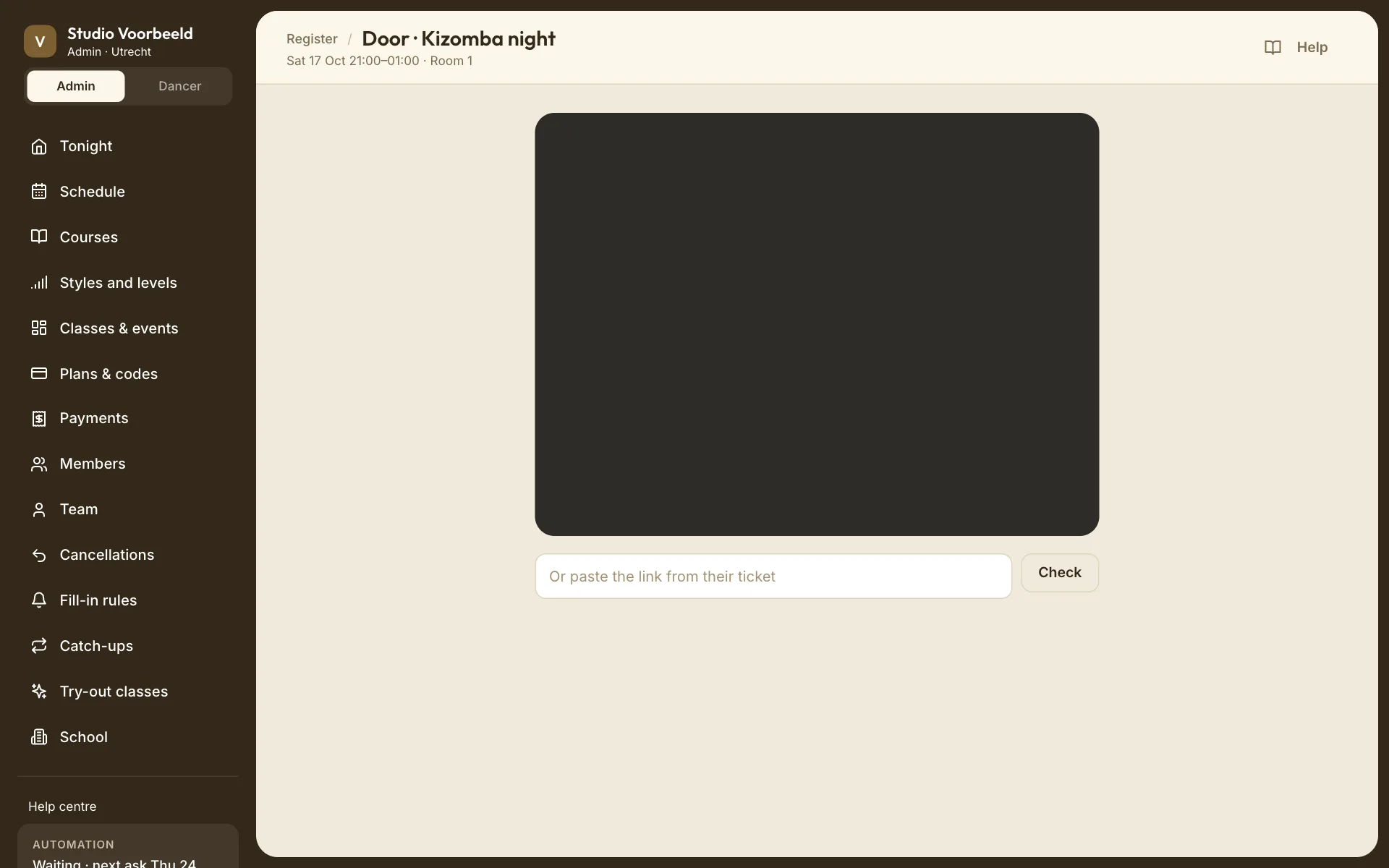
Scan a ticket#
On a phone or a laptop with a camera, the screen opens the camera; allow it when the browser asks. Point it at the ticket's code.
No camera, or it was refused? Paste the ticket's link into Or paste the link from their ticket and choose Check. The link is on the buyer's ticket page and in their email.
Scanning never lets anyone in by itself. Each code gives an answer, and you choose what to do.
The answers#
| Answer | What it means | What to do |
|---|---|---|
| Good ticket · "Not in yet — tap to let them in." | A paid ticket for tonight, not used yet. | Let them in. |
| In · "Let them through." | Done: they're in. | Next. |
| Already scanned · "Somebody came in on this code." | The code was used before; the time is shown ("Came in at 21:14"). | Ask. A forwarded or screenshotted ticket looks like this. |
| Not paid · "The place was held but never paid for." | The buyer started paying and didn't finish. The amount owed is shown. | Take the money at the door and choose Let them in anyway, or turn them away. |
| Not tonight · "Their ticket is for …" | A real ticket for another evening. | Point them to the right night. |
| Cancelled · "This place was given up or refunded." | The ticket no longer counts. | They need a new ticket. |
| No ticket · "Nothing here to let anybody in with." | The code isn't a Dansly ticket for your school. |
Each answer shows the name on the ticket and the evening it's for. Next clears the screen for the next person.
Let them in anyway on an unpaid place turns it into a place your school gave them, so it doesn't lapse later in the evening.
Five friends, five codes#
Someone who bought five tickets has five codes, one per person, on one page they swipe through. Each code is scanned on its own, so the first friend can come in while the others are still outside. A used code fades on their ticket page and says when it was used.
The door and the register#
The door records who came in. It doesn't spend credits, and nobody is asked to fill in.
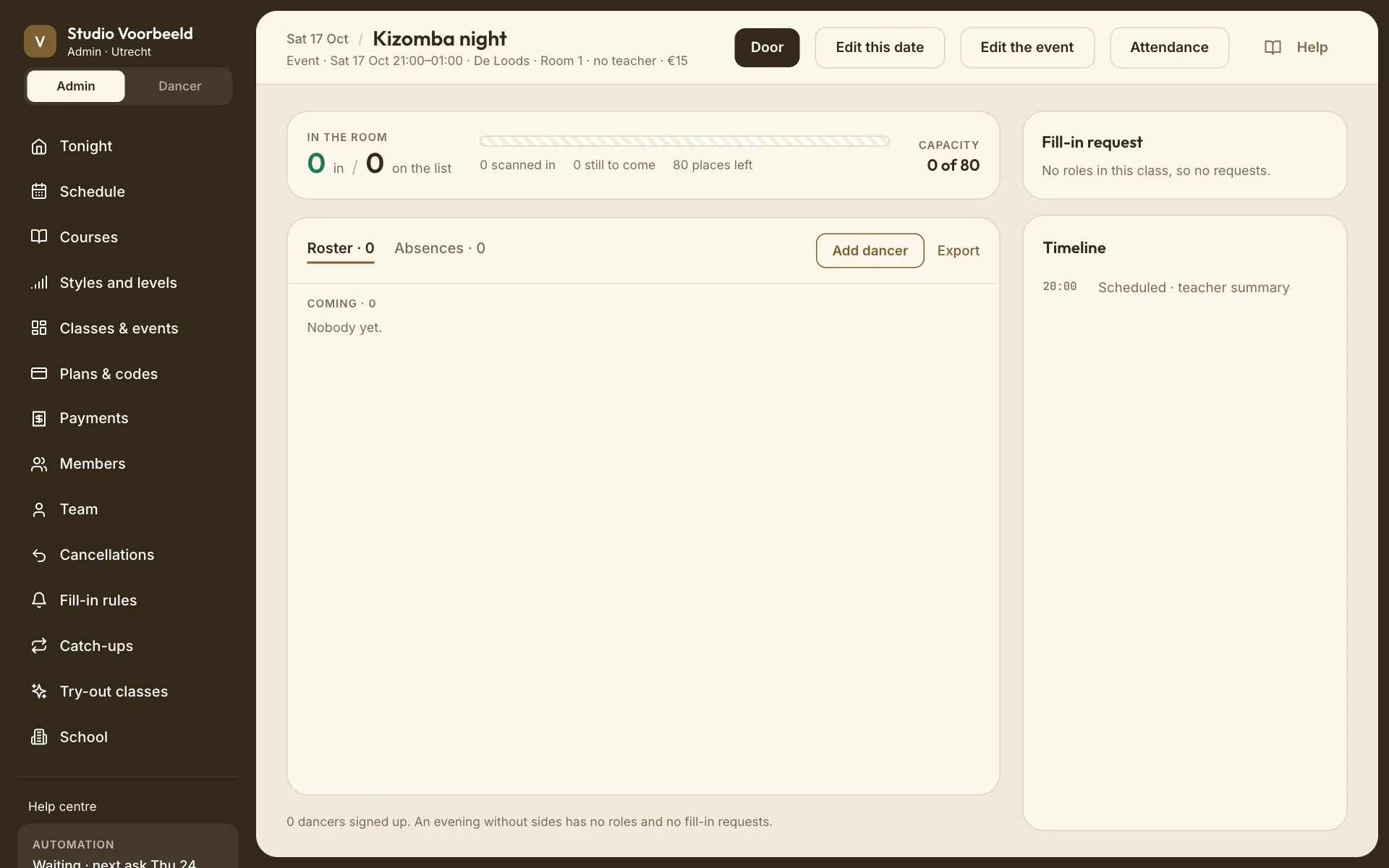
On the evening's page, In the room counts it: "3 in / 7 on the list", how many were scanned in, how many are still to come, and places left. Someone who bought several tickets shows as, for example, "Rosa Hendriks · 1 of 3 in".
The register (Attendance) for an evening with a door offers Here and nothing else: "Tap Here for anyone the door did not scan", such as someone whose phone died or a walk-in you added by hand. Nobody who paid for a ticket is marked absent. See Take attendance.
Walk-ins#
Selling at the door isn't built in. Add them to the evening with Add dancer on its page, free or with a price to pay; see G08: Add a dancer. They then count on the list, and you tap Here for them.